

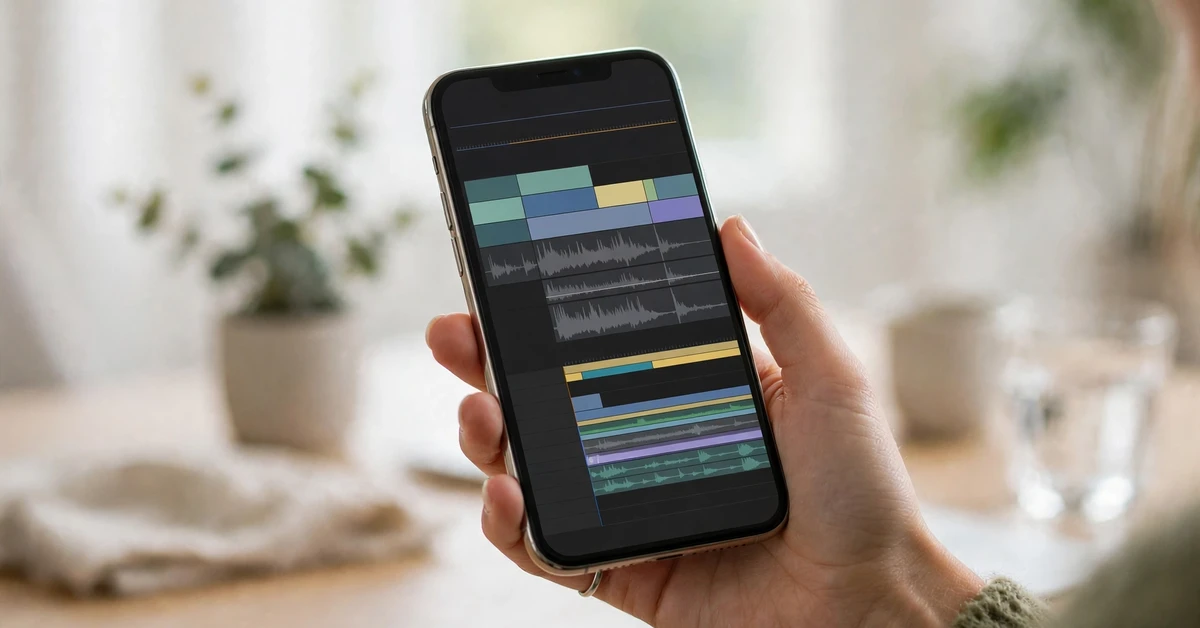
Your iPhone can shoot great video, but the clips straight from the camera rarely look finished. They need a trim here, some music there, and captions so people can watch without sound. You do not need a computer or a paid app to do all of that. This guide to the best free video editing apps for iphone 2026 shows the ten best free options, what each one does well, and which ones leave a watermark. Whether you make Reels, TikToks, or family videos, there is a free video editor app iphone users can rely on. Every app below has a free plan, and we flag the free limits honestly so there are no surprises at export time.
What Makes a Good Free Video Editing App for iPhone?
Not every free app is truly free. Some let you edit for free but add a watermark when you export. Others lock 4K export or auto captions behind a paywall. Before you pick one of the free video editing apps iphone creators use, check these five points.
- Watermark. The best free apps export without a watermark. If an app adds one, it should be easy to remove it without paying.
- Export quality. Look for at least 1080p export. 4K export is a bonus, and it matters if you post on YouTube.
- Ease of use. A good app should let you trim a clip, add text, and export in a few minutes, even on your first try.
- Key features. Auto captions, templates, music, speed controls, and a multi-track timeline are the features most creators use every day.
- Ads and limits. Some free apps show ads or limit how many videos you can export each month. Check the limit before you start a big project.
Keep this list in mind as you read the top ten. The right app depends on what you make.
The 10 Best Free Video Editing Apps for iPhone in 2026
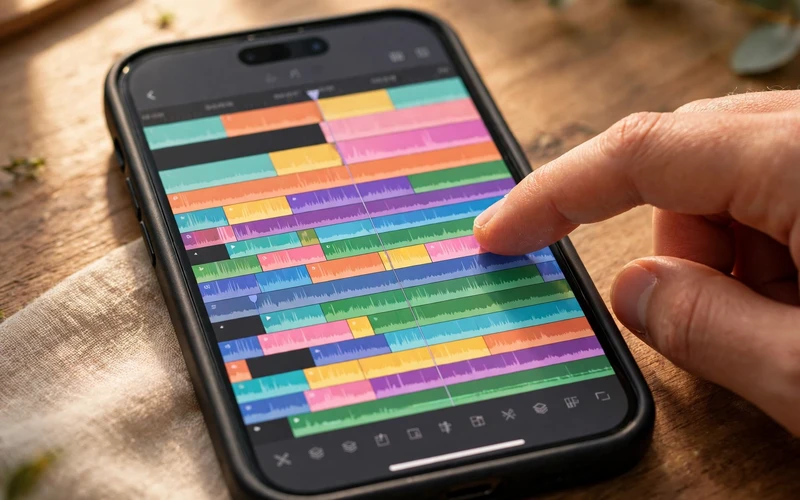
Here are the ten best free video editing apps for iphone users in 2026, from the simplest free editor to the most powerful pro-style tool. All of them run on iOS and have a free plan.
1. iMovie
iMovie is Apple’s own editor, and it comes free with every iPhone. It is the simplest place to start, and it never adds a watermark. You get trimming, titles, transitions, 14 trailer templates, and 130 soundtracks. It can export video up to 4K at 60 frames per second. Magic Movie turns your clips into a finished video in one tap. It has no multi-track timeline and no auto captions. Pick iMovie for clean, simple edits with zero cost and zero fuss.
2. VN Video Editor
VN Video Editor is the best free all-rounder on this list. It gives you a real multi-track timeline, keyframes, speed curves, filters, and music, all free and with no watermark on export. The interface feels like a desktop editor, but it is still easy to learn. Auto captions work on your device, and you can export in 4K. VN suits beginners who want to grow and creators who want pro control without paying. If you only install one app from this list, make it VN.
3. Adobe Premiere on iPhone
Adobe launched Premiere on iPhone in September 2025, and it quickly became one of the best free video editing apps for iphone creators who want a polished result. The core editing tools are free, with unlimited tracks, keyframes, strong color tools, and free auto captions. The free version exports 4K video with no watermark, and only the Firefly AI features use paid credits. Pick it if you want a fast, modern editor with a professional feel and no watermark. Learn more on the Adobe Premiere page.
4. CapCut
CapCut is the go-to app for social video templates, trendy effects, and auto captions. It has the biggest library of effects and sounds on this list, plus versions for Android, Windows, Mac, and the web. The catch is the free tier: it is now heavily restricted, and exports can carry a watermark if you use Pro templates or effects. Visit CapCut to try the free version.
5. Edits by Instagram
Edits is Instagram’s own free editor, launched in 2025. It is built for Reels, with 4K export, no watermark, and free auto captions. The editor is clean and fast, but it is focused on short vertical video, so it is not the best pick for long YouTube edits. Pick Edits if Reels are your main platform.
6. InShot
InShot is a popular free editor for quick social edits, with trimming, filters, stickers, music, and text in a very simple layout. The free version shows ads, and the Pro plan costs around $4.99 per month if you want to remove them and unlock more features. InShot is a solid choice for beginners who want fast results and do not need a multi-track timeline.
7. Filmora
Filmora brings desktop-style power to your phone, with multi-track editing, motion tracking, and a large library of effects and templates. The free version lets you try most features, but some effects and exports carry a watermark unless you upgrade. Pick Filmora if you want advanced tools and may pay later for the full version.
8. KineMaster
KineMaster is a long-running mobile editor with multi-track timelines, chroma key, blending modes, and precise controls. It suits creators who want fine control over every layer of their video. The free version adds a watermark on export, which is its main drawback. If the watermark does not bother you while you learn, it is a powerful free classroom.
9. PowerDirector
PowerDirector is a feature-rich editor with multi-track editing, 4K export, and AI-powered tools. It works well for both short social clips and longer videos. The free version includes ads and locks some premium effects behind a subscription. Pick it if you want many features in one app and you edit often.
10. Splice
Splice is a simple, fast editor from the makers of GoPro. It is great for cutting clips to music, adding text overlays, and sharing straight to social apps. It lacks the deep features of VN or KineMaster, but it is one of the easiest apps here to learn. Pick Splice for quick edits on the go.

CapCut vs iMovie: Which One Should You Pick?
CapCut vs iMovie is the comparison most beginners ask about, because both are free and both are easy to start with. The answer depends on where you post. iMovie is better if you want a clean, watermark-free edit with no ads and no pressure to pay. It is perfect for family videos, school projects, and simple YouTube videos.
CapCut is better if you make TikToks and Reels every day and you want trending templates, auto captions, and a huge effects library. The trade-off is the free limits and the possible watermark on Pro items. Many creators keep both: iMovie for clean edits, CapCut for trendy social clips. If you want one app that does both jobs well, VN Video Editor sits in the middle with no watermark.
How to Edit a Video on iPhone in 5 Simple Steps
You do not need a course to edit your first video. Follow these five steps in any of the apps above.
- Import your clips. Open the app, start a new project, and pick the clips you want to use. Trim the start and end of each clip first.
- Arrange the clips in order. Drag the clips into the order that tells your story. Cut out any boring or shaky parts.
- Add text and captions. Add a title at the start and captions so people can follow along with the sound off. Keep the text short and big enough to read on a phone.
- Add music and adjust the sound. Pick a track from the app’s free music library and lower its volume so your voice stays clear.
- Export in the right size. Choose 1080p or 4K, pick vertical format for Reels and TikTok, and export. Check the video once before you post it.
Once you finish one video, the next one takes half the time. If you post on TikTok, read our guide to the best time to post on TikTok so your edited video goes live when your audience is online.
Free Video Editing Tips for Better Reels and TikToks
A good app helps, but a few habits make your videos look much better. Keep your clips short: cut every second that does not add something. Film in good light, near a window or outside: no filter fixes dark footage. Use captions on every video, since many people watch with the sound off. Keep edits simple at first: one clean cut beats five fancy effects. Finally, watch your own video once on mute before you post it. If it still makes sense without sound, it is ready.
Frequently Asked Questions
What is the best free video editing app for iPhone with no watermark?
VN Video Editor and iMovie are the best free picks with no watermark. Adobe Premiere on iPhone and Edits by Instagram also export without one, while CapCut can add a watermark if you use Pro templates or effects.
Is iMovie really free on iPhone?
Yes. iMovie is Apple’s own app and it is completely free on iPhone, with no in-app purchases and no watermark. It can export video up to 4K at 60 frames per second.
Which free iPhone video editor is best for TikTok and Reels?
CapCut and Edits by Instagram are the best for TikTok and Reels because of their templates, trending audio, and auto captions. VN Video Editor is the best all-rounder if you also want a watermark-free export and a real timeline.
Can I edit 4K video for free on my iPhone?
Yes. iMovie, VN Video Editor, and Adobe Premiere on iPhone all offer 4K export on their free plans. Check that your iPhone model and your free storage can handle large 4K files before you export a long video.
Do free video editing apps add a watermark?
Some do and some do not. iMovie, VN, Adobe Premiere, and Edits export without a watermark for free, while CapCut, Filmora, and KineMaster can add one. Always check the export screen before you share.
Final Thoughts: Best Free Video Editing Apps for iPhone 2026
The best free video editing apps for iphone users in 2026 cover every need: iMovie for simple clean edits, VN for free pro control with no watermark, Adobe Premiere for a polished feel, and CapCut or Edits for social video. Start with one app, edit three short videos, and see which workflow feels natural. You can switch later, since all ten apps here are free to try. For more simple tech guides, visit the TechOnPeak homepage or browse our Mobile Apps guides.
